HTML SitemapExplore

Monster Media & Automation (Utah's Best Home Theaters) — Local services in Alpine

Name
Monster Media & Automation (Utah's Best Home Theaters)
Description
Nearby attractions
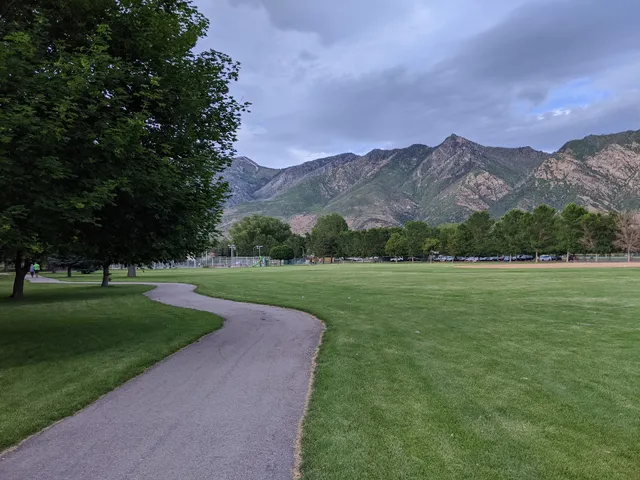
Burgess Park
Parkway S, Alpine, UT 84004
Nearby restaurants
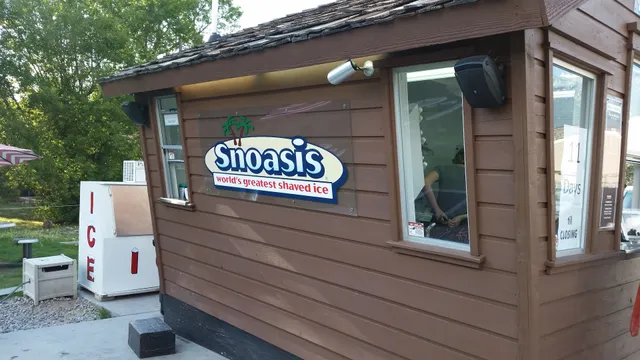
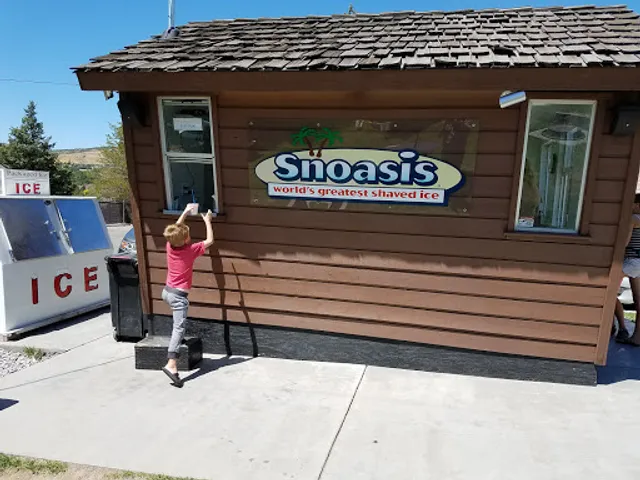
Snoasis Shaved Ice
195 E 200 N, Alpine, UT 84004
Snoasis
195 E 200 N, Alpine, UT 84004
Nearby local services
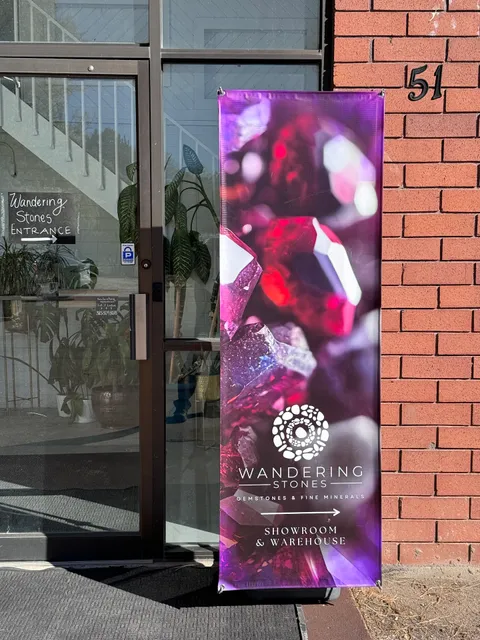
Wandering Stones
51 E 200 N, Alpine, UT 84004
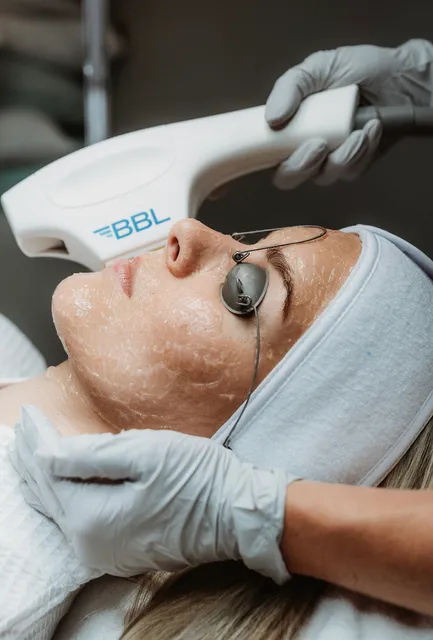
Glo Esthetics
40 W Main St Ct Ste 150, Alpine, UT 84004
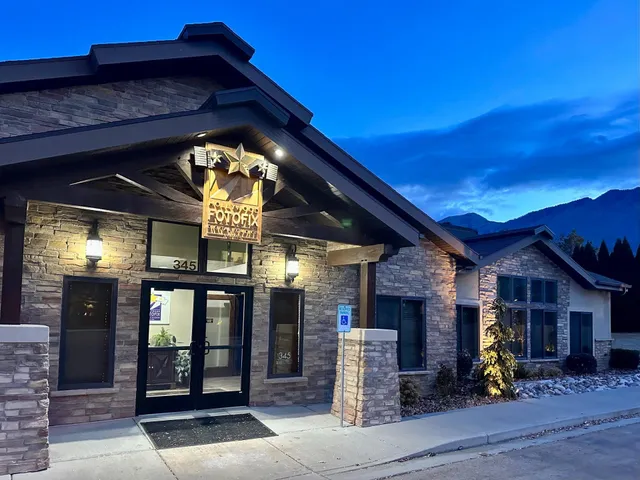
RetouchUp
345 S Main St, Alpine, UT 84004, United States
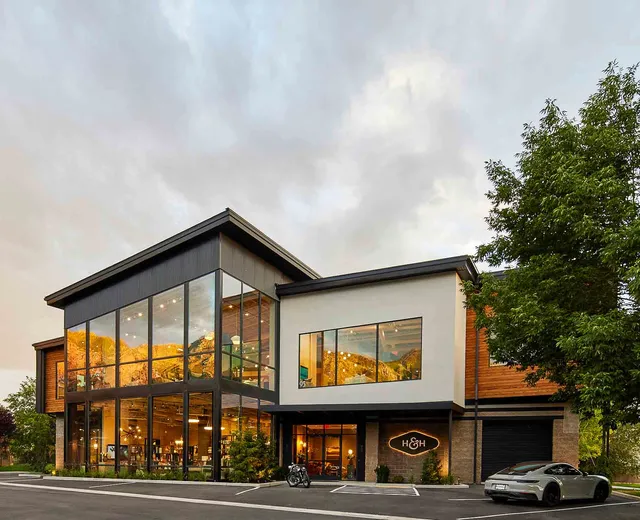
Hue & Hem
95 W Canyon Crest Rd, Alpine, UT 84004
Nearby hotels
Related posts
Keywords
Monster Media & Automation (Utah's Best Home Theaters) tourism.Monster Media & Automation (Utah's Best Home Theaters) hotels.Monster Media & Automation (Utah's Best Home Theaters) bed and breakfast. flights to Monster Media & Automation (Utah's Best Home Theaters).Monster Media & Automation (Utah's Best Home Theaters) attractions.Monster Media & Automation (Utah's Best Home Theaters) restaurants.Monster Media & Automation (Utah's Best Home Theaters) local services.Monster Media & Automation (Utah's Best Home Theaters) travel.Monster Media & Automation (Utah's Best Home Theaters) travel guide.Monster Media & Automation (Utah's Best Home Theaters) travel blog.Monster Media & Automation (Utah's Best Home Theaters) pictures.Monster Media & Automation (Utah's Best Home Theaters) photos.Monster Media & Automation (Utah's Best Home Theaters) travel tips.Monster Media & Automation (Utah's Best Home Theaters) maps.Monster Media & Automation (Utah's Best Home Theaters) things to do.
Monster Media & Automation (Utah's Best Home Theaters) things to do, attractions, restaurants, events info and trip planning
Monster Media & Automation (Utah's Best Home Theaters)
United StatesUtahAlpineMonster Media & Automation (Utah's Best Home Theaters)

Basic Info

Monster Media & Automation (Utah's Best Home Theaters)

270 N Main St ste c, Alpine, UT 84004
4.4(15)
Save
spot

Ratings & Description

Info

Entertainment
Accessibility
Luxury
attractions: Burgess Park, restaurants: Snoasis Shaved Ice, Snoasis, local businesses: Wandering Stones, Glo Esthetics, RetouchUp, Hue & Hem
logoLearn more insights from Wanderboat AI.
Phone
(801) 948-0871
Website
monsterautomation.com

Plan your stay

hotel
Pet-friendly Hotels in Alpine
Find a cozy hotel nearby and make it a full experience.
hotel
Affordable Hotels in Alpine
Find a cozy hotel nearby and make it a full experience.
hotel
The Coolest Hotels You Haven't Heard Of (Yet)
Find a cozy hotel nearby and make it a full experience.
hotel
Trending Stays Worth the Hype in Alpine
Find a cozy hotel nearby and make it a full experience.

Reviews

Live events

Titanic: The Exhibition
Tue, Feb 10 • 11:00 AM
10230 State St #5, Sandy, UT 84070, Located at Marketplace near Target and next to Old Navy, 84070
View details
Riverton Death by Chocolate- Cherry Edition
Fri, Feb 13 • 5:00 PM
5083 13400 South Riverton, UT 84096
View details
PROVO, UT - KPOP STARS
Tue, Feb 10 • 3:00 PM
220 West Center Street Provo, UT 84601
View details

Nearby attractions of Monster Media & Automation (Utah's Best Home Theaters)

Burgess Park

Burgess Park

Burgess Park

4.6

(162)

Closed
Click for details

Nearby restaurants of Monster Media & Automation (Utah's Best Home Theaters)

Snoasis Shaved Ice

Snoasis

Snoasis Shaved Ice

Snoasis Shaved Ice

4.4

(116)

Click for details
Snoasis

Snoasis

4.4

(107)

$

Click for details

Nearby local services of Monster Media & Automation (Utah's Best Home Theaters)

Wandering Stones

Glo Esthetics

RetouchUp

Hue & Hem

Wandering Stones

Wandering Stones

4.8

(353)

Click for details
Glo Esthetics

Glo Esthetics

4.9

(58)

Click for details
RetouchUp

RetouchUp

5.0

(120)

Click for details
Hue & Hem

Hue & Hem

4.5

(12)

Click for details
Get the Appoverlay
Get the AppOne tap to find yournext favorite spots!
Wanderboat LogoWanderboat

Your everyday Al companion for getaway ideas

CompanyAbout Us
InformationAI Trip PlannerSitemap
SocialXInstagramTiktokLinkedin
LegalTerms of ServicePrivacy Policy

Get the app

© 2025 Wanderboat. All rights reserved.

Posts

Matt “Heff” HeffMatt “Heff” Heff
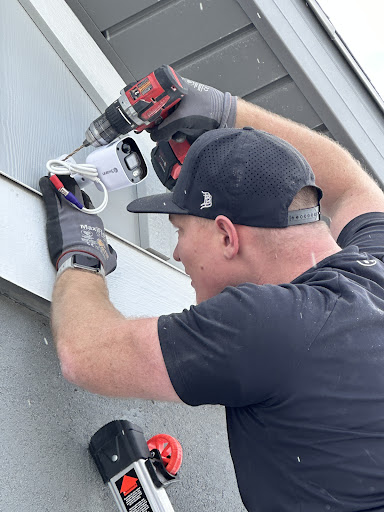
PRO TIPS: By far the best installer for home 4k security camera systems in Utah. Kevin and his team have an incredible wealth of security camera knowledge, skills and abilities. Their customer service skills are very polished, professional, and provide decades of industry experience to give you peace of mind. But with any complex security camera system, you must do your homework prior to the installation (see below). PRO TIPS FOR USING Monster Media: I had a GREAT experience using Monster Media for an 8 camera 4k system install because I did my homework. It was installed part of the time (amazingly) in a snowstorm with several inches in the ground. THEY DO GREAT WORK in rain, sunshine OR snow! Monster Media picks up the phone fast, they call back the same day (or close to it) and have very polished customer service skills. They will clearly LISTEN to your needs, EXPLAIN what you are getting with the install, what is within scope (or not) and their quote is fair and comparable to your local market rates. Their experience is soooo worth it! KEEP IN MIND: Monster Media installers will know the brand of camera system you bought and how to best install & place your cameras. BUT YOU MUST DO YOUR HOMEWORK (see note below). Monster Media does a great job OVER-communicating with continual updates, texts and a detailed quote — all written down. The installer also over communicates when he is arriving, any delays, install issues, and concerns about your home construction for camera installs. The installer helps you confirm the best placement for cameras based on your homes size, home construction, while helping you avoid camera blind spots, ensure coverage for entry and exit points. Our installer helped ensure we had proper camera placement to avoid installing cameras that face the sun (avoid sun flares in the lens). The installer will cleanly run the cable feeds and tie down excess remaining wire. They check that all gaps in outside walls are sealed. They ensure any connections have waterproof tape/sealing. They have a great focus on safety and attention to detail for wire placement. NOTE: If you run out of cable in your box, then they will charge you a nominal fee per foot for extra video cable. FINAL PRO TIPS: Todays modern security camera DVRs are quite complex and technical so you may want to pay extra for a lesson how to use. My DVR has facial recognition and license plate detection!!! I did not pay extra for any lesson how to use the DVR because I did my homework .. so… PRIOR TO INSTALL: I highly recommend 2-3 weeks before install that you test all your cameras and the DVR video recorder BEFORE the installer arrives. Make sure your cameras work. Check the box that you are not missing parts. Connect your DVR recorder to the internet and check for updates. Install the phone app and be sure that works. Setup you login and passwords for the system. Do your homework BEFORE the installer arrives. Be sure you have enough cable to make the runs. Decide where is the best place to setup your DVR (under lock and key in a server cabinet or sitting out in the open so the burglar sees it), Do you want centralized placement of your DVR in your home to help avoid long video cable runs = $$$. Is your camera system being installed in the attic crawl space OR in a finished basement? OVERALL: When you fill out the intake form be very specific on your needs (e.g. are you paying extra to hide wires? What type of construction materials that may potentially make any camera installs difficult? how long are the runs of cable? Do you want your camera installed above 6-12ft so it becomes more difficult to clean the camera lenses or make changes on the field of view? If you want a smooth install with no issues then do some homework by (making a drawing of your home with camera placement and the fields of view you want. Finally realize that the cameras fields of view may be smaller than you think they are AND the mounting brackets provided by your camera manufacturer may be garbage. Excellent work Monster Media. Thank you Kevin! Thank you Dylan!
hotel
Find your stay

Pet-friendly Hotels in Alpine

Find a cozy hotel nearby and make it a full experience.

PRO TIPS: By far the best installer for home 4k security camera systems in Utah. Kevin and his team have an incredible wealth of security camera knowledge, skills and abilities. Their customer service skills are very polished, professional, and provide decades of industry experience to give you peace of mind. But with any complex security camera system, you must do your homework prior to the installation (see below). PRO TIPS FOR USING Monster Media: I had a GREAT experience using Monster Media for an 8 camera 4k system install because I did my homework. It was installed part of the time (amazingly) in a snowstorm with several inches in the ground. THEY DO GREAT WORK in rain, sunshine OR snow! Monster Media picks up the phone fast, they call back the same day (or close to it) and have very polished customer service skills. They will clearly LISTEN to your needs, EXPLAIN what you are getting with the install, what is within scope (or not) and their quote is fair and comparable to your local market rates. Their experience is soooo worth it! KEEP IN MIND: Monster Media installers will know the brand of camera system you bought and how to best install & place your cameras. BUT YOU MUST DO YOUR HOMEWORK (see note below). Monster Media does a great job OVER-communicating with continual updates, texts and a detailed quote — all written down. The installer also over communicates when he is arriving, any delays, install issues, and concerns about your home construction for camera installs. The installer helps you confirm the best placement for cameras based on your homes size, home construction, while helping you avoid camera blind spots, ensure coverage for entry and exit points. Our installer helped ensure we had proper camera placement to avoid installing cameras that face the sun (avoid sun flares in the lens). The installer will cleanly run the cable feeds and tie down excess remaining wire. They check that all gaps in outside walls are sealed. They ensure any connections have waterproof tape/sealing. They have a great focus on safety and attention to detail for wire placement. NOTE: If you run out of cable in your box, then they will charge you a nominal fee per foot for extra video cable. FINAL PRO TIPS: Todays modern security camera DVRs are quite complex and technical so you may want to pay extra for a lesson how to use. My DVR has facial recognition and license plate detection!!! I did not pay extra for any lesson how to use the DVR because I did my homework .. so… PRIOR TO INSTALL: I highly recommend 2-3 weeks before install that you test all your cameras and the DVR video recorder BEFORE the installer arrives. Make sure your cameras work. Check the box that you are not missing parts. Connect your DVR recorder to the internet and check for updates. Install the phone app and be sure that works. Setup you login and passwords for the system. Do your homework BEFORE the installer arrives. Be sure you have enough cable to make the runs. Decide where is the best place to setup your DVR (under lock and key in a server cabinet or sitting out in the open so the burglar sees it), Do you want centralized placement of your DVR in your home to help avoid long video cable runs = $$$. Is your camera system being installed in the attic crawl space OR in a finished basement? OVERALL: When you fill out the intake form be very specific on your needs (e.g. are you paying extra to hide wires? What type of construction materials that may potentially make any camera installs difficult? how long are the runs of cable? Do you want your camera installed above 6-12ft so it becomes more difficult to clean the camera lenses or make changes on the field of view? If you want a smooth install with no issues then do some homework by (making a drawing of your home with camera placement and the fields of view you want. Finally realize that the cameras fields of view may be smaller than you think they are AND the mounting brackets provided by your camera manufacturer may be garbage. Excellent work Monster Media. Thank you Kevin! Thank you Dylan!
Matt “Heff” Heff

Matt “Heff” Heff

hotel
Find your stay

Affordable Hotels in Alpine

Find a cozy hotel nearby and make it a full experience.

Get the Appoverlay
Get the AppOne tap to find yournext favorite spots!
hotel
Find your stay

The Coolest Hotels You Haven't Heard Of (Yet)

Find a cozy hotel nearby and make it a full experience.

hotel
Find your stay

Trending Stays Worth the Hype in Alpine

Find a cozy hotel nearby and make it a full experience.

create-post
Turn your ideas into a post and inspire others!
Create

Reviews of Monster Media & Automation (Utah's Best Home Theaters)

4.4
(15)
avatar
5.0
3y

PRO TIPS: By far the best installer for home 4k security camera systems in Utah. Kevin and his team have an incredible wealth of security camera knowledge, skills and abilities. Their customer service skills are very polished, professional, and provide decades of industry experience to give you peace of mind. But with any complex security camera system, you must do your homework prior to the installation (see below). PRO TIPS FOR USING Monster Media: I had a GREAT experience using Monster Media for an 8 camera 4k system install because I did my homework. It was installed part of the time (amazingly) in a snowstorm with several inches in the ground. THEY DO GREAT WORK in rain, sunshine OR snow! Monster Media picks up the phone fast, they call back the same day (or close to it) and have very polished customer service skills. They will clearly LISTEN to your needs, EXPLAIN what you are getting with the install, what is within scope (or not) and their quote is fair and comparable to your local market rates. Their experience is soooo worth it! KEEP IN MIND: Monster Media installers will know the brand of camera system you bought and how to best install & place your cameras. BUT YOU MUST DO YOUR HOMEWORK (see note below). Monster Media does a great job OVER-communicating with continual updates, texts and a detailed quote — all written down. The installer also over communicates when he is arriving, any delays, install issues, and concerns about your home construction for camera installs. The installer helps you confirm the best placement for cameras based on your homes size, home construction, while helping you avoid camera blind spots, ensure coverage for entry and exit points. Our installer helped ensure we had proper camera placement to avoid installing cameras that face the sun (avoid sun flares in the lens). The installer will cleanly run the cable feeds and tie down excess remaining wire. They check that all gaps in outside walls are sealed. They ensure any connections have waterproof tape/sealing. They have a great focus on safety and attention to detail for wire placement. NOTE: If you run out of cable in your box, then they will charge you a nominal fee per foot for extra video cable. FINAL PRO TIPS: Todays modern security camera DVRs are quite complex and technical so you may want to pay extra for a lesson how to use. My DVR has facial recognition and license plate detection!!! I did not pay extra for any lesson how to use the DVR because I did my homework .. so… PRIOR TO INSTALL: I highly recommend 2-3 weeks before install that you test all your cameras and the DVR video recorder BEFORE the installer arrives. Make sure your cameras work. Check the box that you are not missing parts. Connect your DVR recorder to the internet and check for updates. Install the phone app and be sure that works. Setup you login and passwords for the system. Do your homework BEFORE the installer arrives. Be sure you have enough cable to make the runs. Decide where is the best place to setup your DVR (under lock and key in a server cabinet or sitting out in the open so the burglar sees it), Do you want centralized placement of your DVR in your home to help avoid long video cable runs = $$$. Is your camera system being installed in the attic crawl space OR in a finished basement? OVERALL: When you fill out the intake form be very specific on your needs (e.g. are you paying extra to hide wires? What type of construction materials that may potentially make any camera installs difficult? how long are the runs of cable? Do you want your camera installed above 6-12ft so it becomes more difficult to clean the camera lenses or make changes on the field of view? If you want a smooth install with no issues then do some homework by (making a drawing of your home with camera placement and the fields of view you want. Finally realize that the cameras fields of view may be smaller than you think they are AND the mounting brackets provided by your camera manufacturer may be garbage. Excellent work Monster Media. Thank you Kevin!...

   Read more

avatar
1.0
3y

Initially good phone conversations and emails about my home automation project. I was anticipating putting $5K+ into a this. Kevin was aware that the initial component of the project (internet) was important for us to do as soon as he could work us in due to remote working at home. He said he would work up a quote for the whole project. I didn't hear back for a while, so I emailed to ask about it. He said he had been busy but would finish the quote soon. I never heard from him again. Eight weeks after his last "I'll get it to you soon," I sent an email asking if he was still interested. He did not reply. I'm glad I didn't risk my money with this level of...

   Read more
avatar
5.0
2y

Kevin did a fantastic job and I’m so happy with his services!

We had another local automation company come take a look to help fix our setup, but they were unable to fix it and simply recommended upgrading to new equipment.

We called Kevin to get a second opinion, and he was able to troubleshoot and help update our system exactly how we wanted it - and even helped us with another issue we were having.

Extremely...

   Read more
Page 1 of 7
Previous
Next