Manage passwords You can have Chrome remember your passwords for different sites. To use your passwords on different devices, turn sync on in Chrome.
Android ComputeriPhone & iPad If you enter a new password on a site, Chrome will ask to save it. To accept, tap Save.
Sign in with a saved password If you saved your password on a previous visit to a website, Chrome can help you sign in.
On your Android phone or tablet, open the Chrome app Chrome. Go to a site you've visited before. Go to the site’s sign-in form. If you’ve saved a single username and password for the site: Chrome will fill in the sign-in form automatically. If you’ve saved more than one username and password: Select the username field and choose the sign-in info you want to use. If Chrome doesn't offer your saved password: Tap password Save your password to see possible passwords. See, delete, or export passwords On your Android phone or tablet, open the Chrome app Chrome. To the right of the address bar, tap More More. Tap Settings and then Passwords. See, delete, or export a password: See: Tap View and manage saved passwords at passwords.google.com. Delete: Tap the password you want to remove. At the top, tap Delete Trash. Export: Tap MoreMore and then Export Passwords. To clear all your saved passwords, clear browsing data and select "Passwords."
Start or stop saving passwords By default, Chrome offers to save your password. You can turn this option off or on at any time.
On your Android phone or tablet, open the Chrome app Chrome. To the right of the address bar, tap More Organize. Tap Settings and then Passwords. At the top, turn Save passwords on or off. Check or change your passwords You may get an alert from Chrome if you use a password and username combination that has been compromised in a data leak on a third party website or app. Compromised password and username combinations are unsafe because they’ve been published online.
We recommend that you change any compromised passwords as soon as you can. You can follow the instructions in Chrome to change your password on the site where you’ve used that password, and check your saved passwords for any other site the password may be saved on.
Chrome makes sure that your passwords and username are protected so they can’t be read by Google.
Important: You must be signed-in and syncing to Chrome to get these notifications.
To start or stop getting these notifications:
On your Android device, open the Chrome app Chrome. At the top right, tap MoreMoreand then Settings. Tap Sync and Google services. Turn “Warn you if passwords are exposed in a data breach” on or off. Important: This feature is only available if you have turned “Safe Browsing” on.
Fix problems with passwords If Chrome isn't saving or offering to save passwords, learn how to fix issues with saved info.
How Chrome saves and syncs passwords How Chrome saves your passwords depends on whether you want to store and use them across devices. When synced, you can use passwords on Chrome on all your devices, and across some apps on your Android devices.
Otherwise, your passwords are only stored on Chrome on your computer.
You can manage passwords saved to your Google Account at passwords.google.com.
Related links Change or reset your Google Account password Get your bookmarks, passwords & more on all your devices Fix issues with saved info Was this...
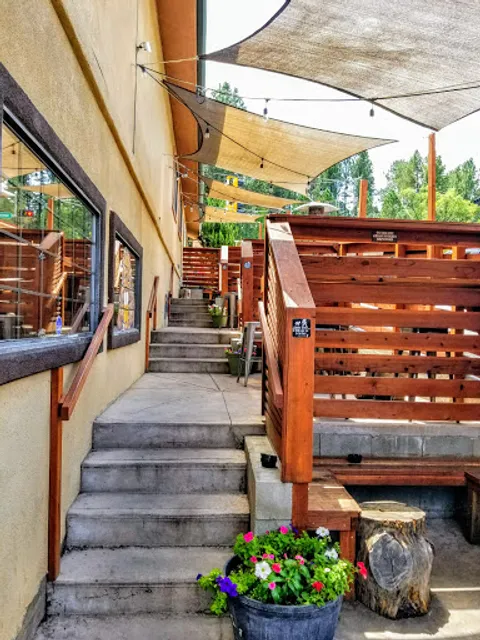
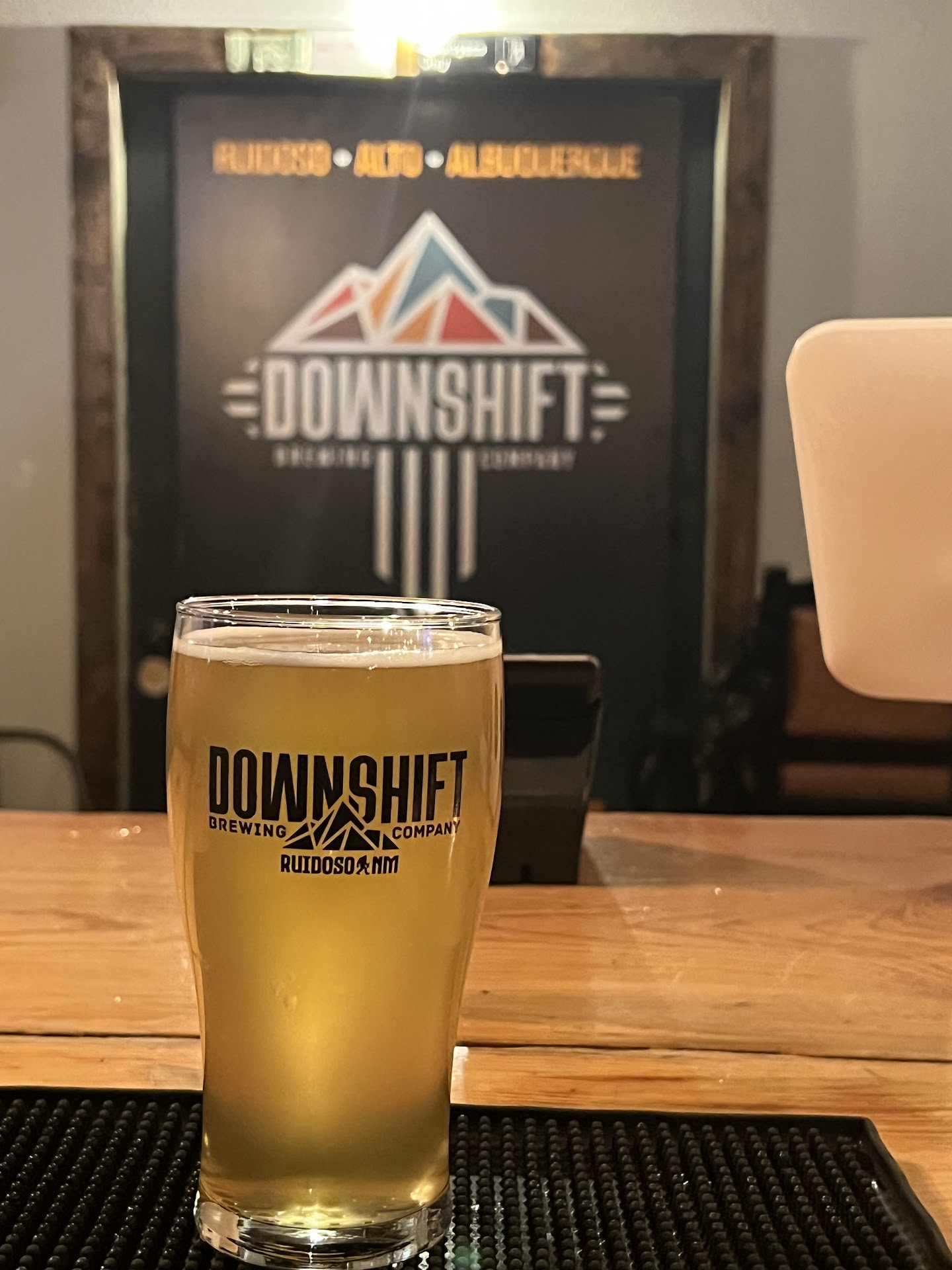
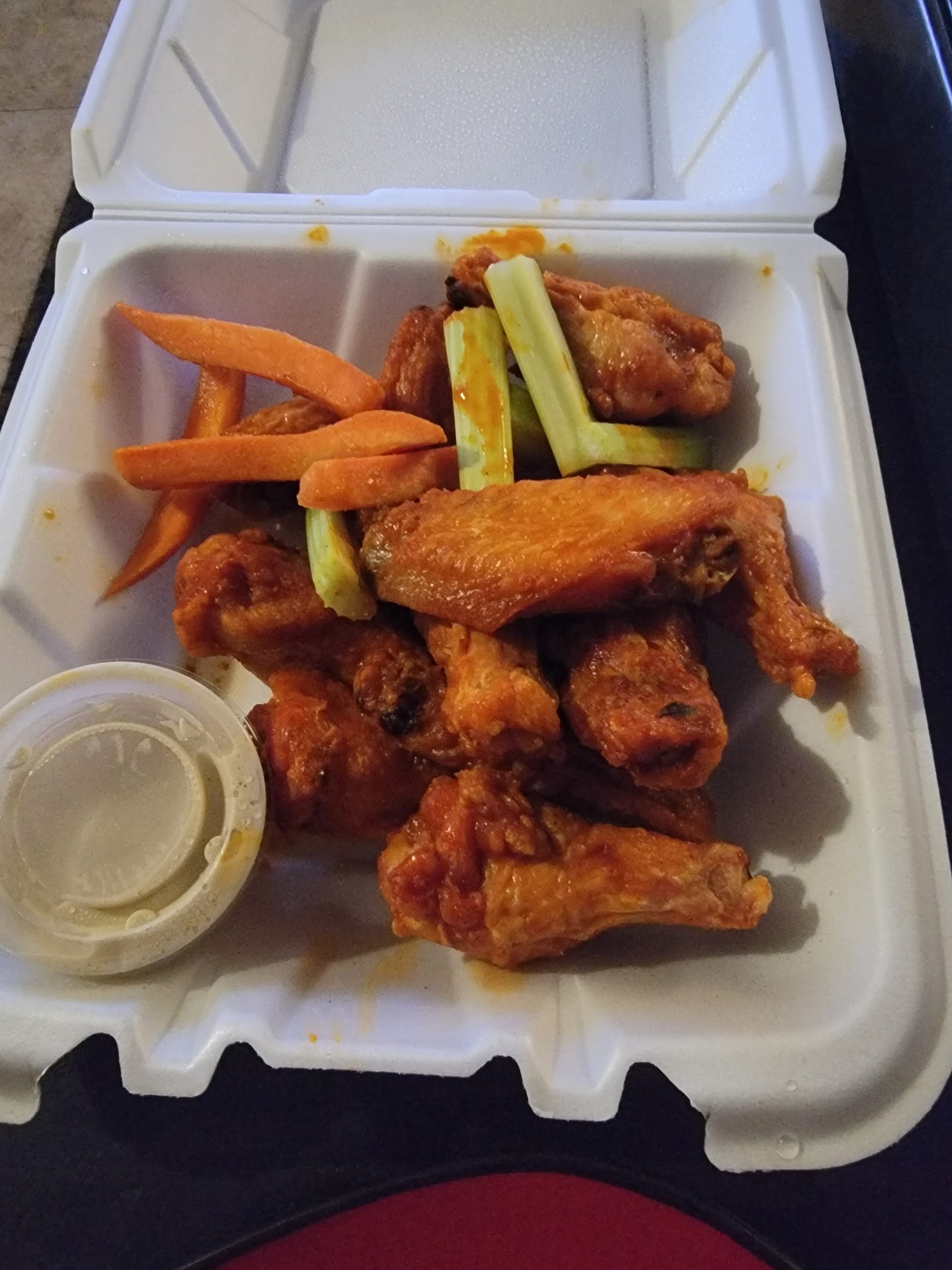
Read moreThe downshift brewery is definitely a hidden gem in this noisy river village of Ruidoso New Mexico. Absolutely loved it I actually parked behind the brewery side as soon as I got out of the car very quaint place I could hear music coming out of their continued towards the village so we could shop a little bit unfortunately during memorial day weekend all the shops closed up before 6 PM. Cruised around for a minute went to quarters they were not serving food past 1 PM on Sunday unfortunately. So we went to the downshift brewery they had live music a one-man show very entertaining very diverse music from country to patriotic to rock and classics. This brewery is very inviting with a very nice assortment of IPA local beers. Definitely stop on by the atmosphere is great very inviting plus delicious food which they serve till midnight or closing time. The selection of beer is oh phenomenal cannot get over the amount of choices they offer. My favorite was the alien IPA beer definitely suggested try it out when you’re over here in town or definitely pick some up at your neighborhood grocery store. Definitely come by and check out downshift brewery in noisy river Village in Ruidoso New Mexico a great place to enjoy it have a good time. By the way this is actually a family friendly environment I took two teenage boys of 15 years old and they had a great time and enjoyed the wings the pizza and the...
Read moreFirst visit was pretty good. The waitress who directed me to some seating outside was prompt to come out for my order and the food was pretty good (flatbread).
Second visit there was a short wait for seating and the host sat me within 10 or so minutes of taking my name and number.
This is where it goes downhill. The wait staff this afternoon apparently can't see. After 10 minutes the host saw I hadn't been waited on at all and apologized, then found a waitress and informed her. He apologized a second time after letting me know. The waitress was curt and didn't apologize. Strike one. It seems solo diners are a nuisance. When taking my order she appeared to want me to rush and order both my drink and food at the same time.
The host is who should be getting the tip for being far more attentive than the waitress.
Third visit, I found out the kitchen is already closed at 5:30pm on a Sunday. Not sure what time they close the kitchen, but that was still with an hour and a half before their listed closing time. They still had a fair amount of customers, so you'd think there would be worth in not closing the...
Read more